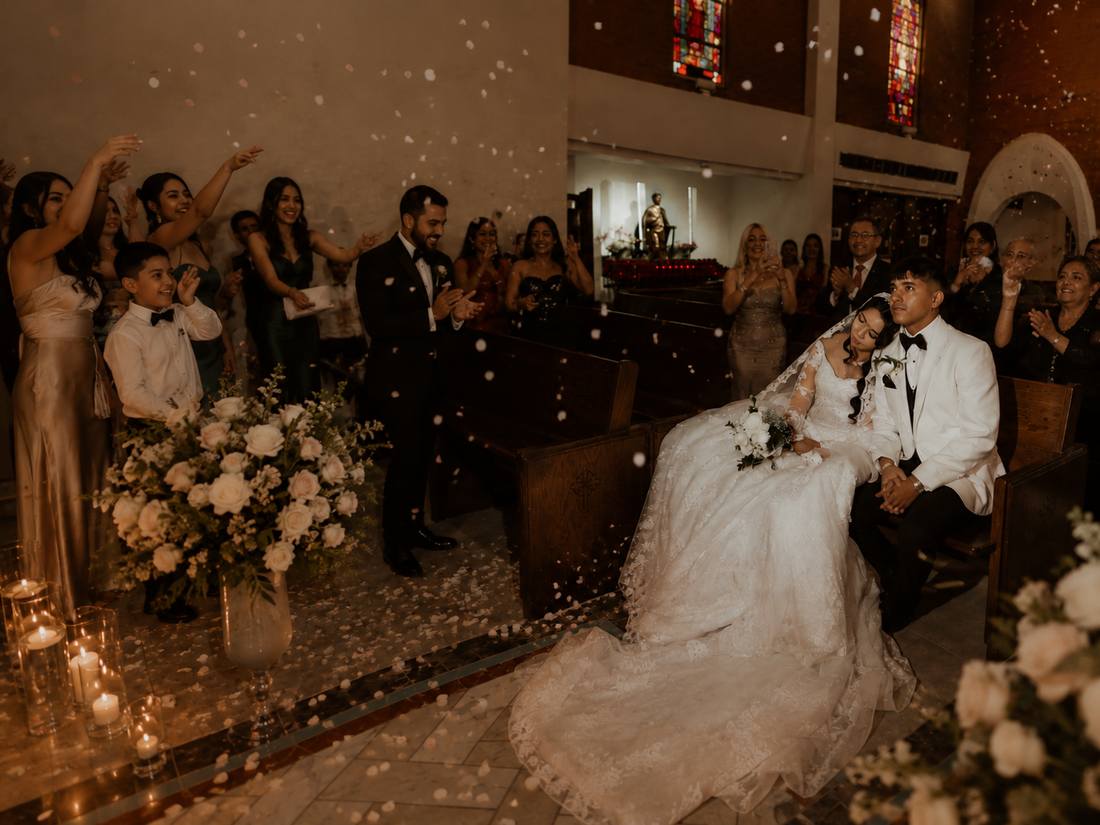
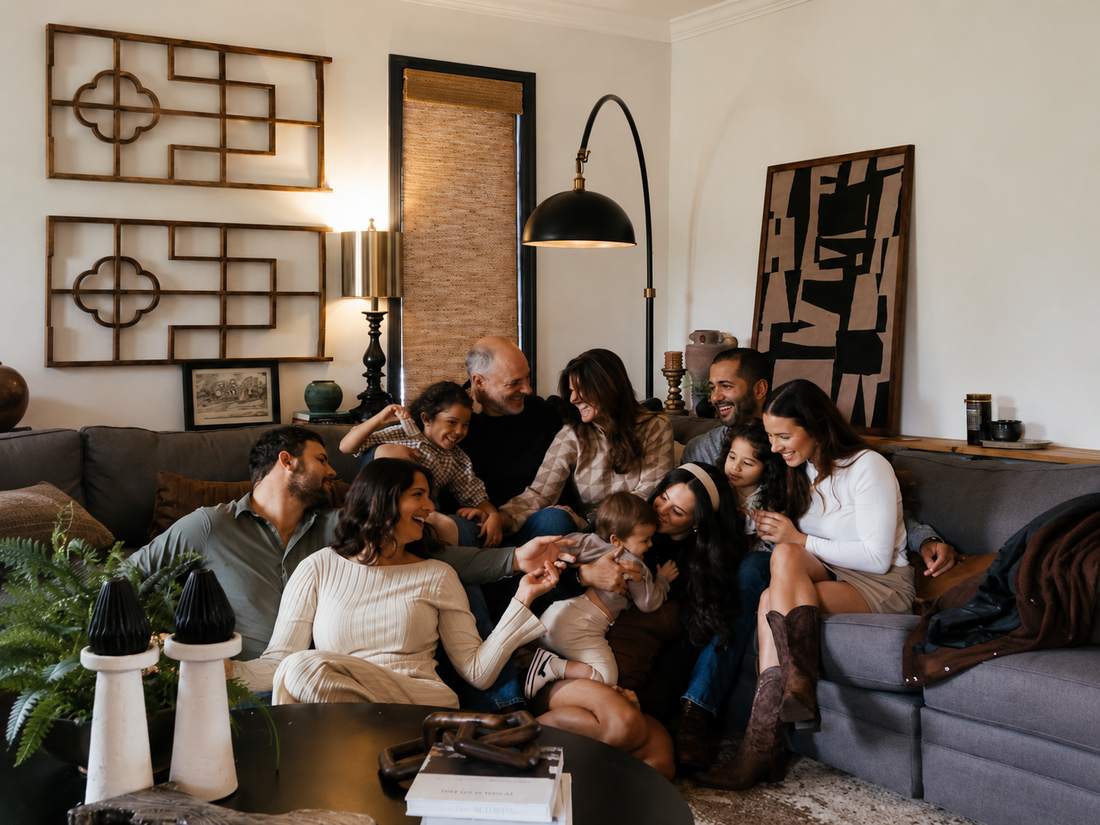
Portrait Vows
Portraits of you and both families.
Coming soon
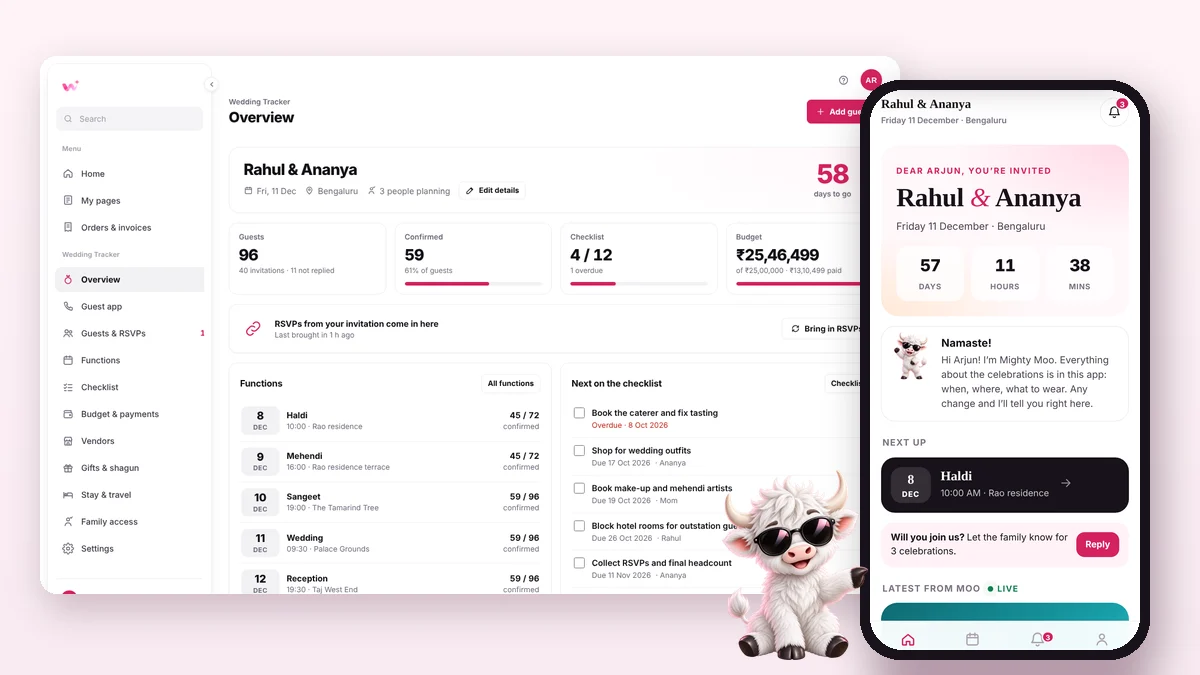
Plan every guest, function and rupee. Guests get their own app.
₹499 ₹999 + Ivory Vows free
A 3D film invitation your guests scroll through.
₹499 ₹999 + Tracker free
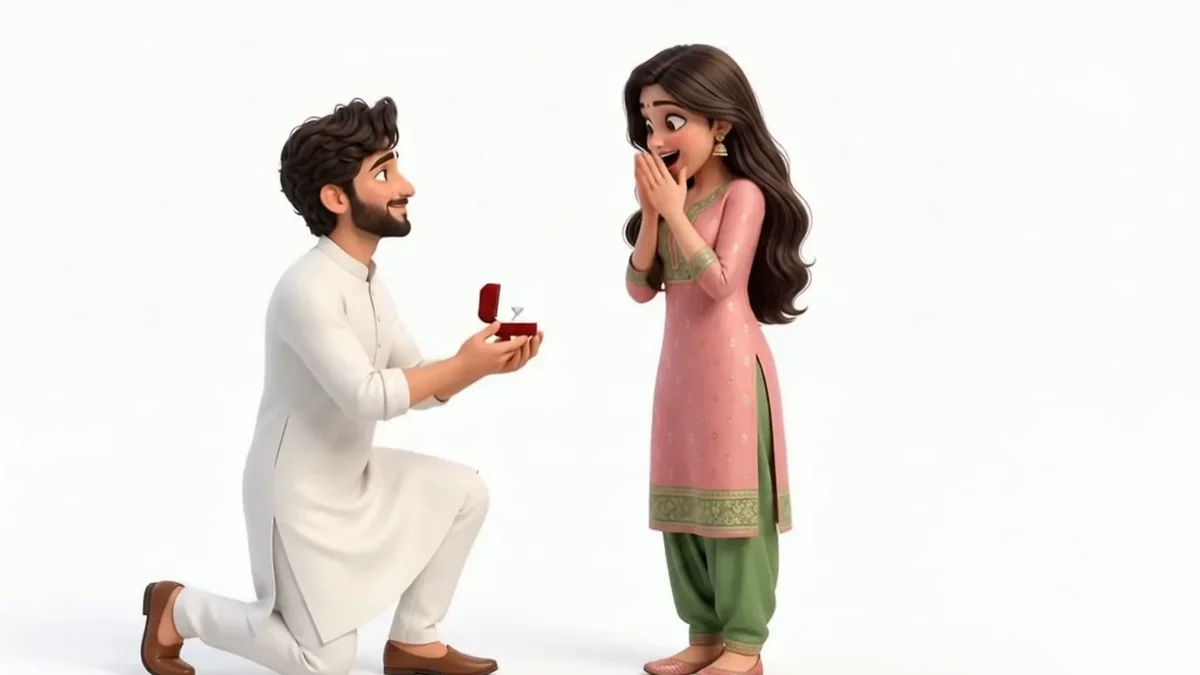
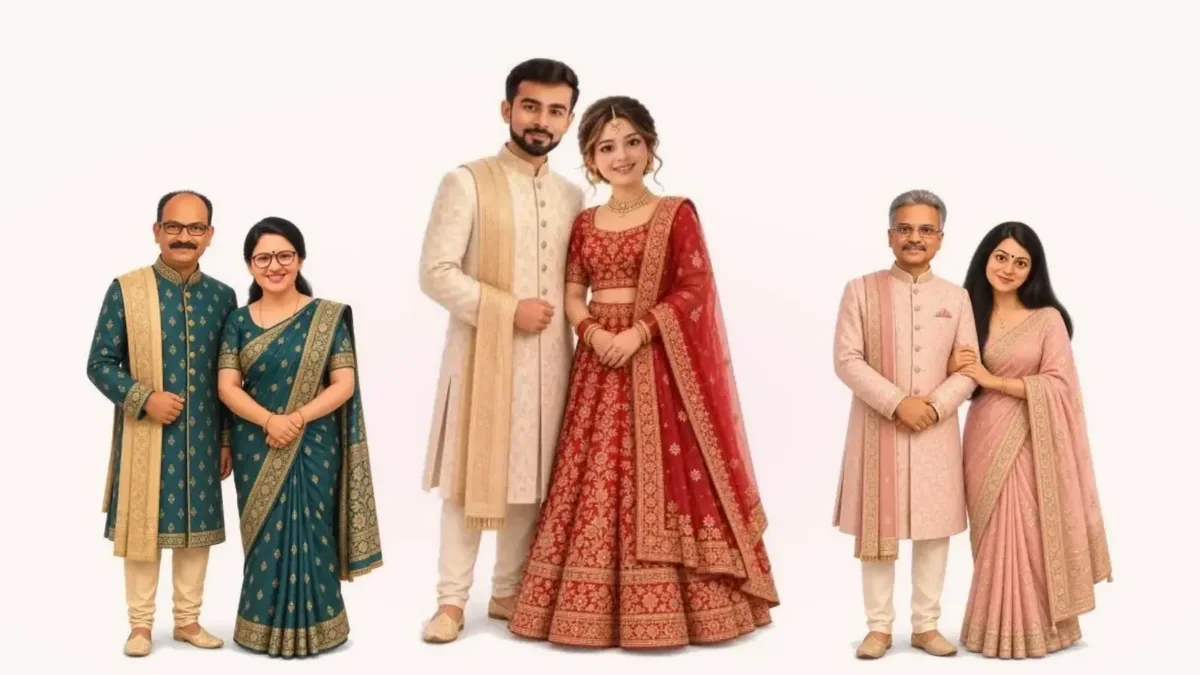
Portraits of you and both families.
Coming soon
A hand-illustrated picture-book invitation.
Coming soon

Three steps to one link for every guest.
Names, story, families, celebrations and venue. Your colour, your font.
Forward it to every group. Guests open it on their phone, no app needed.
Every RSVP lands on your page, with guest counts for each celebration.
 Your AI guide
Tell Moo the moment. It drafts your message and helps you build the page.
Chat with Moo →Wording, etiquette and ideas from our blog.
Everything you need to know before you start. Still stuck? Write to support@wisherly.co.
Start with the Wedding Tracker + App or Ivory Vows: buy either one and the other comes free. Ivory Vows is the 3D film invitation; the Wedding Tracker + App is the planner and the guest app. Portrait Vows is coming soon.
Yes. Watch the Ivory Vows demo and try the Wedding Tracker + App demo, free, on your phone.
About 10 minutes to fill in. AI portraits take another 5 to 10 minutes to draw.
You add one clear photo of each person and pick a Look. Our AI partner (OpenAI) draws everyone in that style. You can redo a portrait, or change the Look, up to two times.
Inside the invitation, in a tap. Every reply comes to your page, with guest counts for each function, and they can also message you on WhatsApp.
Yes. You get one link that opens on any phone, with no app to install. Forward it to every family group.
Yes. Every price on Wisherly includes GST and is paid once. You get a GST invoice either way.
They are used only to draw your portraits, and deleted as soon as you publish the invitation. The portraits stay on your invitation.
Write to us and we will help. Before publishing, change anything as often as you like and preview it on your phone. There is no subscription.
Preview as often as you like. Publish when it’s perfect.